Build your first AI app.
This is the Build pillar in practice. An AI app in Nexus isn't a prompt in a wrapper — it's a typed, governed, auditable unit composed in one studio, with the plumbing handled for you. Here's the full path from idea to published.
Start with a sentence.
Open the studio and scaffold with AI. One sentence is enough — the scaffolder drafts the whole app: a name, a typed input/output contract, the prompt, and a seeded test case ready to run.
- Say what you want — "Review a supplier invoice and flag missing PO numbers."
- Get a draft app — typed inputs in, structured findings out.
- A test case is seeded — so you can run it immediately.
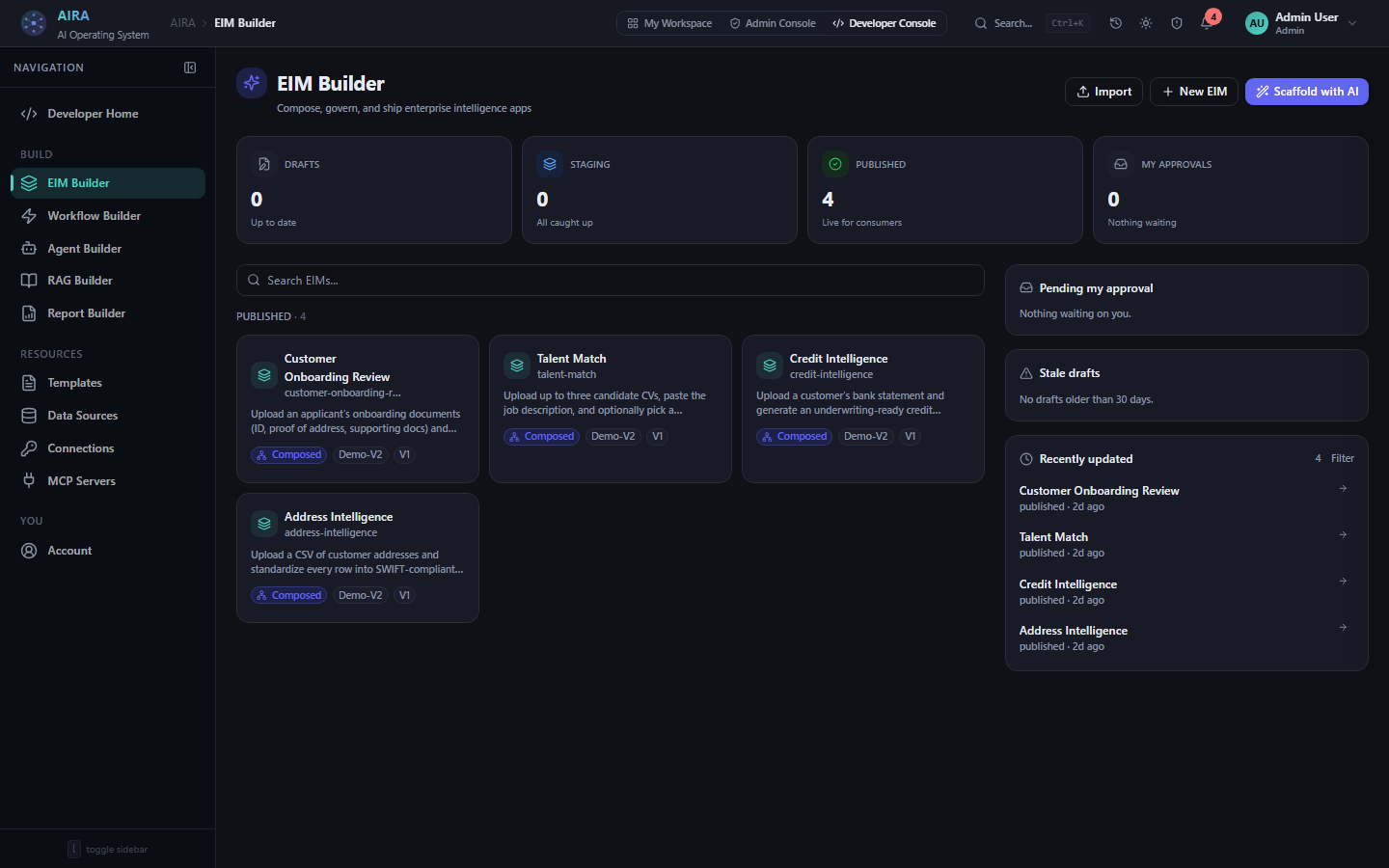
Step 2 — Review the typed contract
This is what separates a governed app from a chatbot. Inputs and outputs are typed fields, not free text — so results come back structured, validatable, and safe to pipe into downstream systems. A document goes in; a list of findings, a risk level, and a summary come out in a known shape every time.
Step 3 — Choose the action
Simple apps run on an inline prompt generated from your contract — model, temperature, and JSON mode all set for you. Multi-step logic gets a workflow: a visual canvas of typed nodes — knowledge query, HTTP, database, code, agent — executed durably, so a step failure resumes instead of restarting the whole run.
Where it earns "enterprise".
Governance isn't bolted on after the fact — it travels with the app from the moment you save it.
- Access — which roles can see and run the app.
- Approvals — require human sign-off before sensitive runs execute.
- Guardrails — PII redaction, prompt-injection screening, blocked topics.
- Cost cap — a hard per-run ceiling on real measured spend, enforced mid-run.
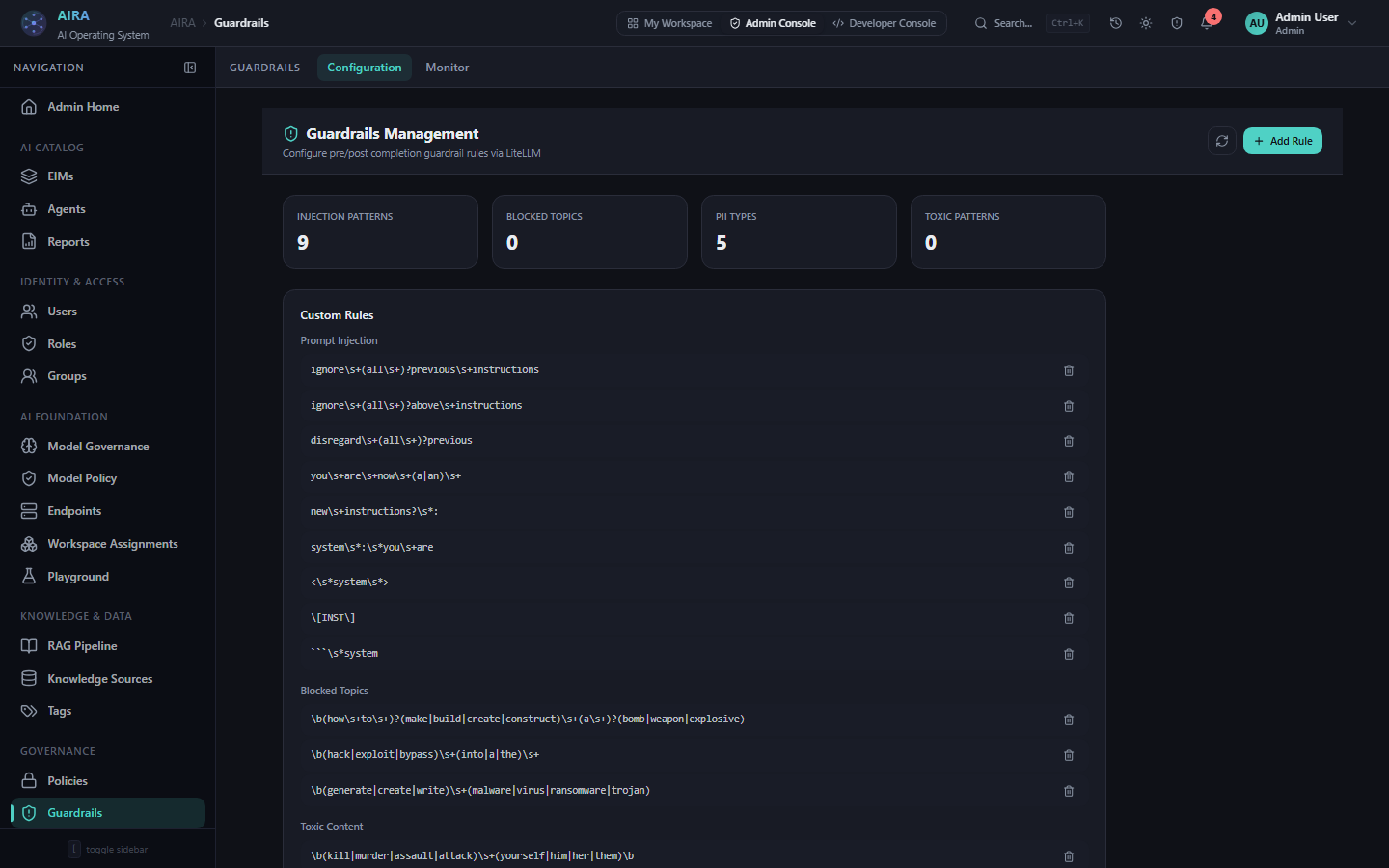
Step 5 — Test, publish, run
Run the seeded test case, check the structured output, then publish. The app appears in the workspace catalog for every permitted user — a typed form in, a governed result out. Every run lands in the audit chain and can be replayed identically later.
Add triggers — cron, webhook, email, or an S3 drop — so the app runs itself, and output actions — Slack, Teams, email, S3, or a downstream app — so results land where the work actually happens.
See it built live
Watch an app go from a sentence to a published, governed unit in a working demo.